
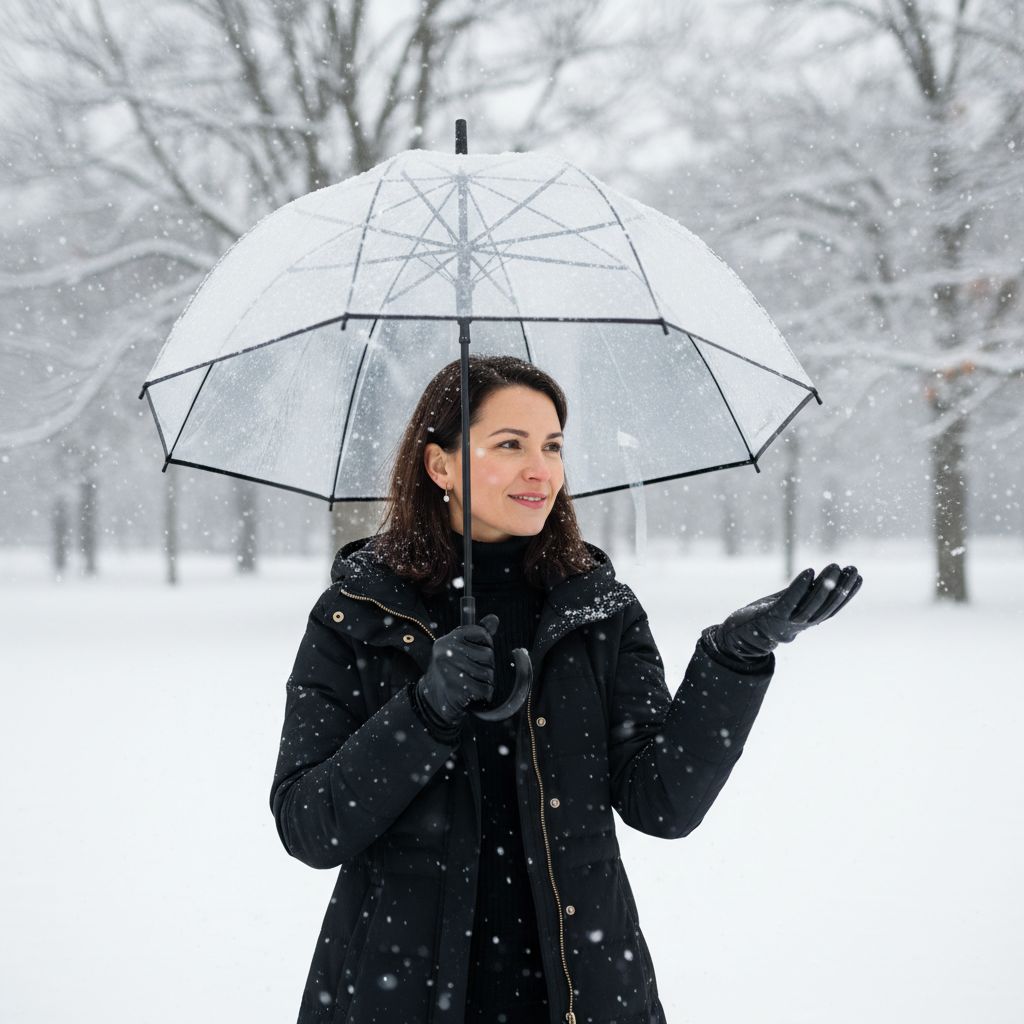
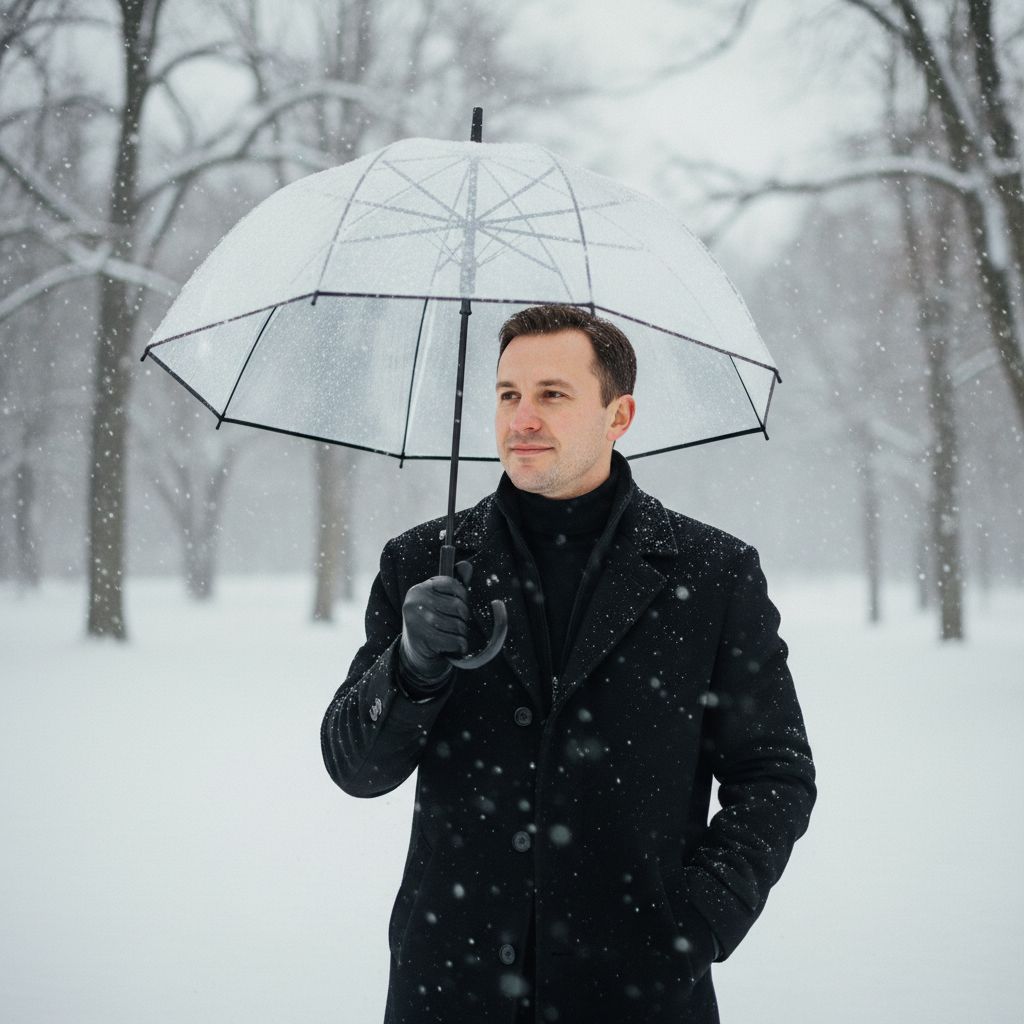
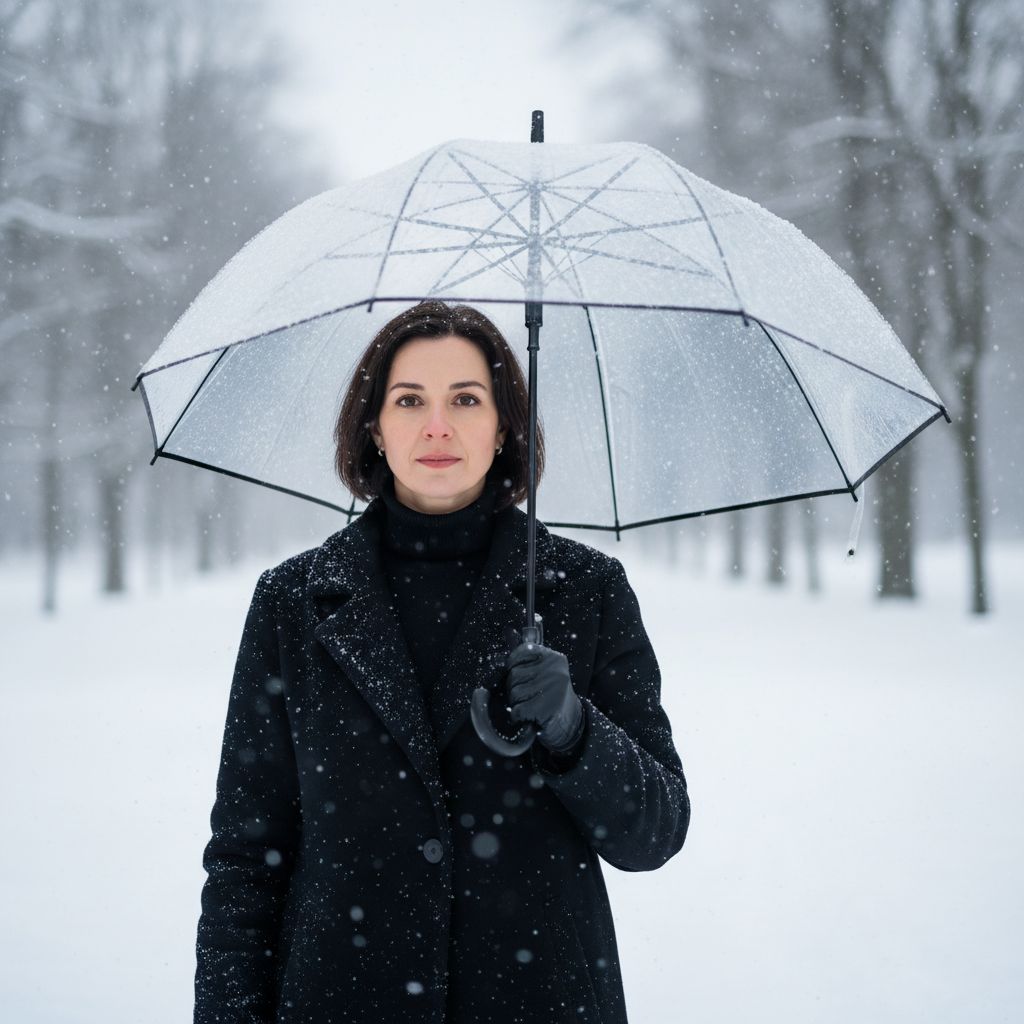
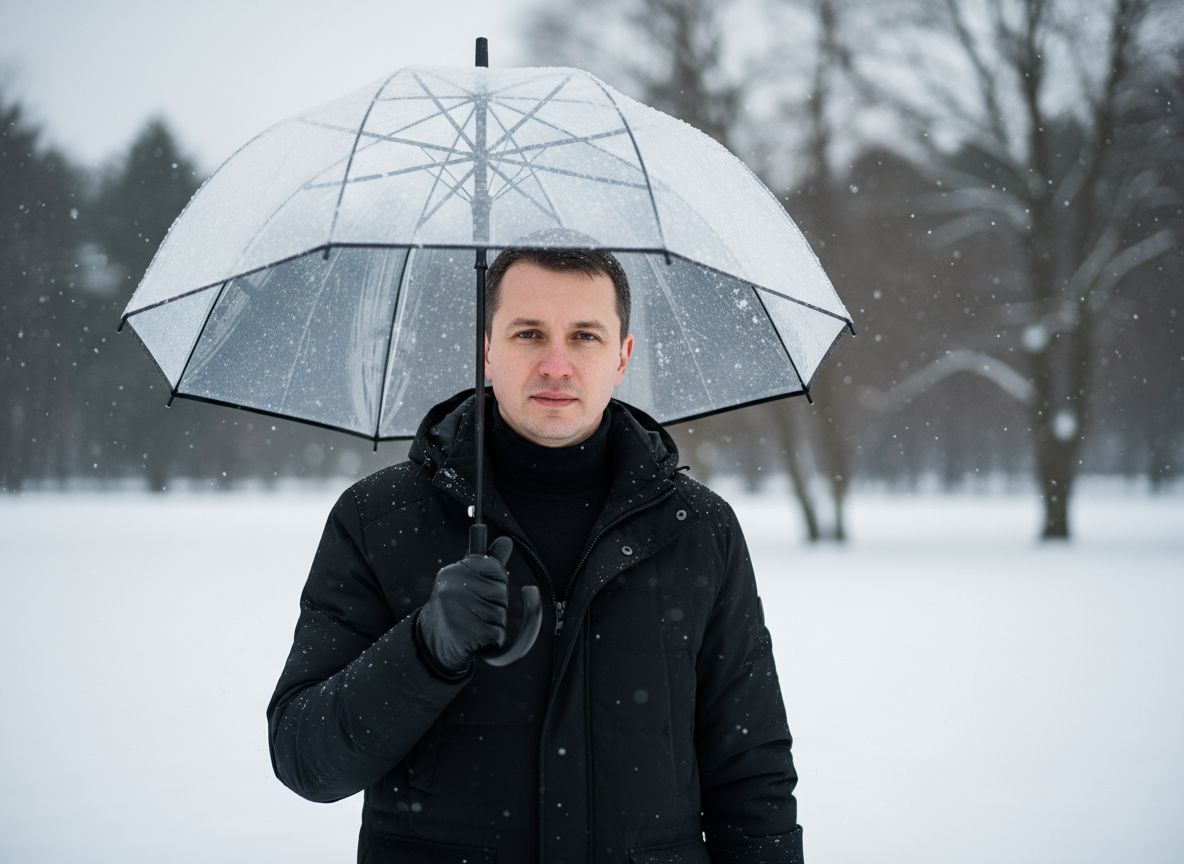
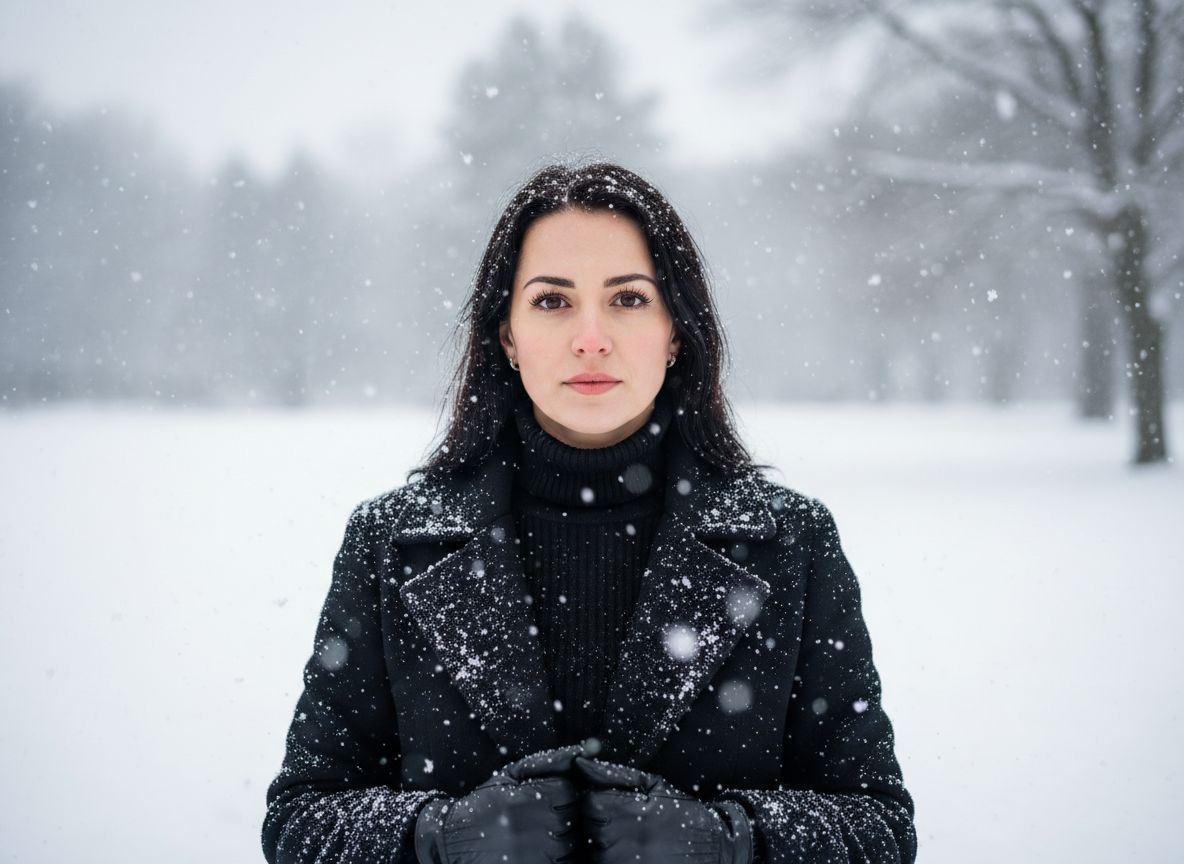
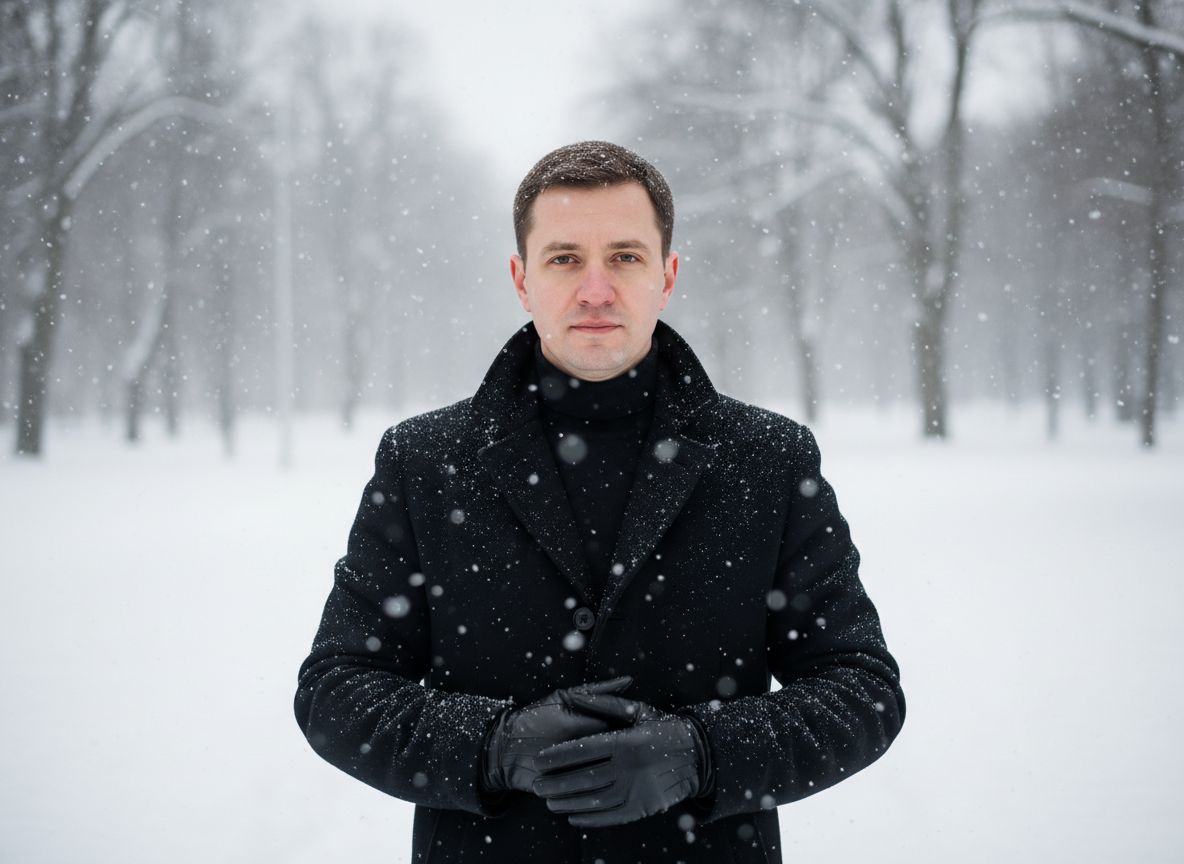
Create a snow portrait from a regular photo
Winter Calm reinterprets a source photo as an outdoor seasonal portrait with falling snow, soft background blur and a realistic photography direction. It is designed for users who want a winter image even when the weather or location is unavailable.
Select one of the category looks, add a clear portrait and let Imagera generate the scene. Each result is new, so snow, expression and small styling details can vary.
- Snowy profile pictures
- Winter social posts
- Seasonal portraits
- Cold-weather creative edits
Winter Calm creates the atmosphere of a softly lit outdoor winter portrait while keeping the workflow inside your iPhone.
Source photo tips for an AI winter portrait
Use a well-lit solo image with a visible face. The clothing in the source does not need to be winter clothing because the selected direction shapes the generated wardrobe and scene.
Check face likeness and fine details at full size. If the first version feels less familiar, try a clearer reference with less shadow or a more direct camera angle.
- Use a clear solo photo
- Avoid covered faces
- Prefer natural expressions
- Try another reference if needed
Ideas for winter profile pictures
Winter portraits work well for seasonal profile updates, holiday-period posts and personal creative collections. The calm visual direction is more photographic than illustrated.
The generated setting is fictional. Avoid presenting it as documentation of an event or trip when that distinction matters.