
Create an AI portrait for a mood, role or moment
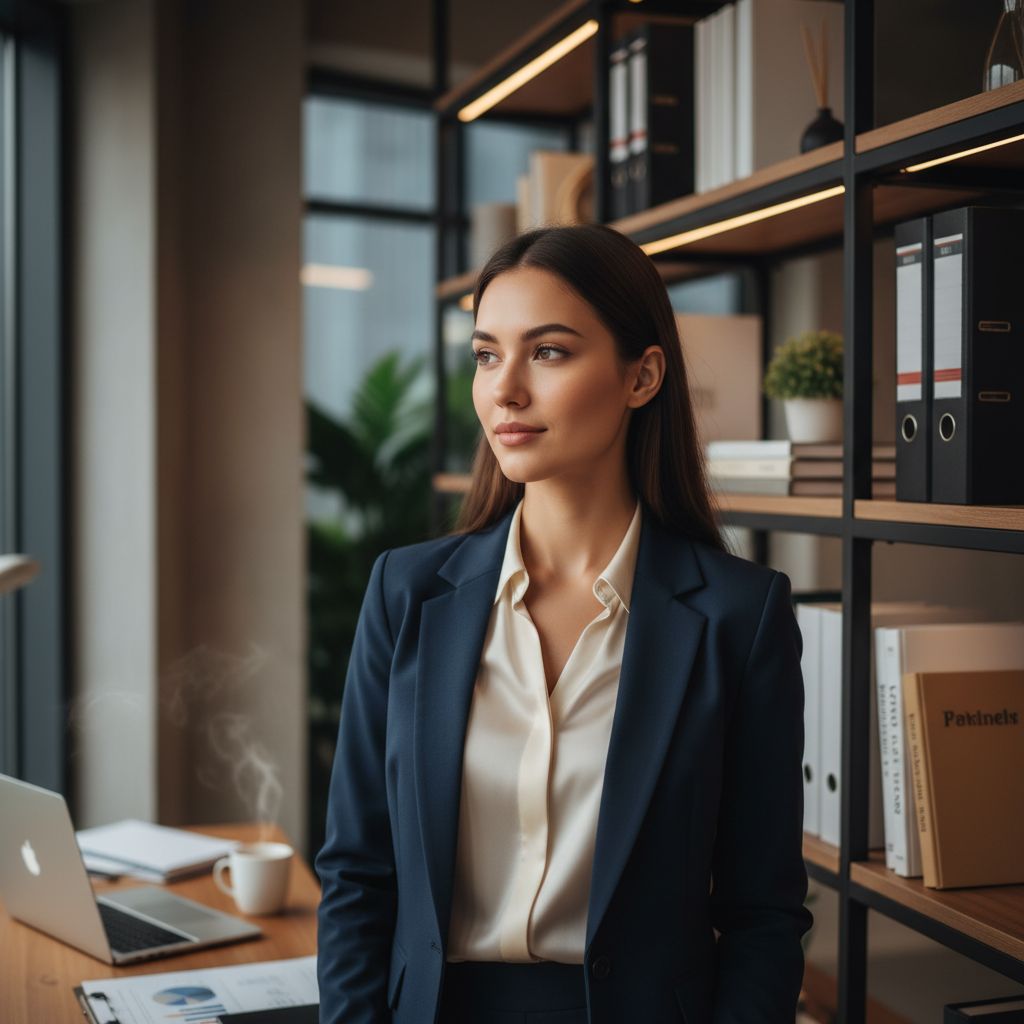
A portrait does more than show a face. Lighting, background, framing and styling can make the same person feel editorial, professional, relaxed or cinematic. An AI portrait generator lets you explore those directions using photos you already have.
Imagera includes ready-made portrait concepts for users who would rather choose a result than write a long prompt. Select a suitable style, add a clear reference and let the app generate a new interpretation.
- Professional and founder-style portraits
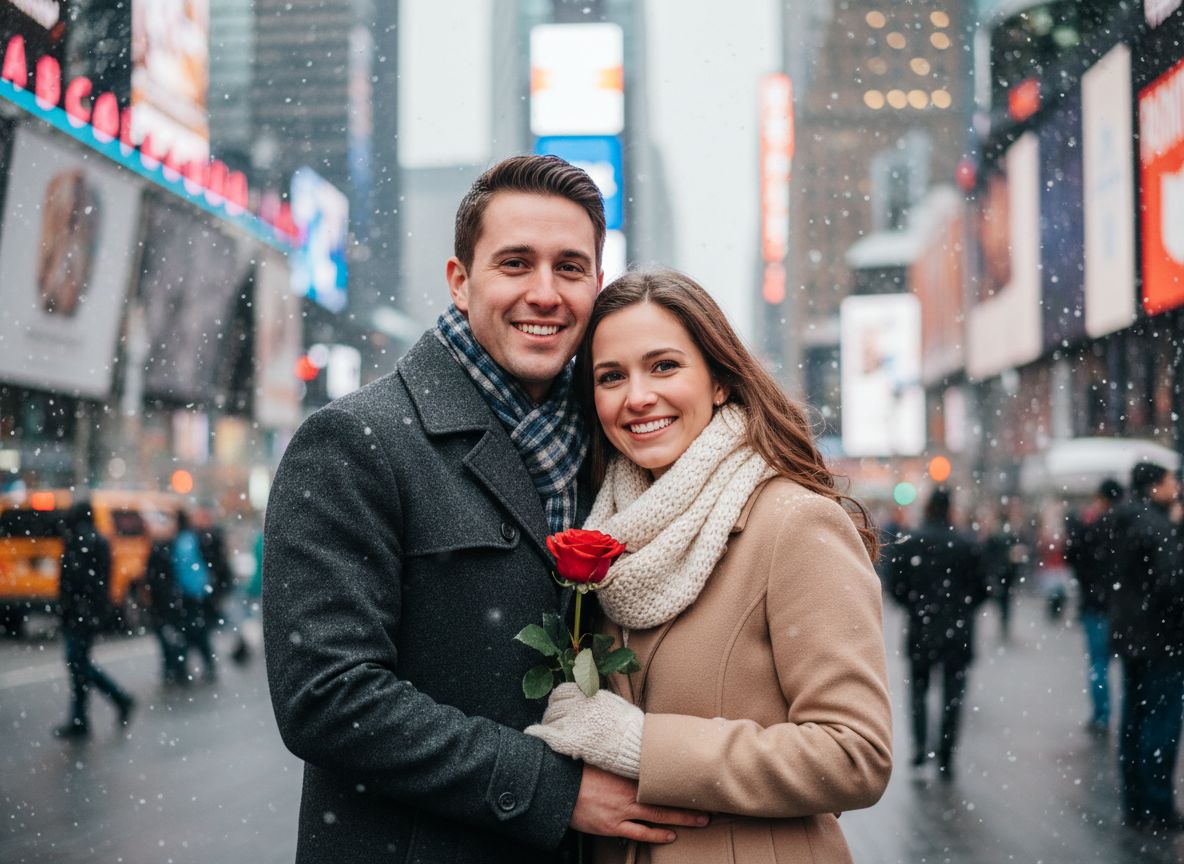
- Cinematic lifestyle scenes
- Seasonal and themed concepts
- Artistic styles for a less photographic result
A strong result combines a clear identity reference with a specific setting, wardrobe, lighting style and mood. Imagera packages those choices into focused looks.
How to choose a source photo
Start with a photo where the face is sharp, unobstructed and naturally lit. Front-facing or slightly angled images are usually easier to interpret than extreme profiles. Avoid strong beauty filters if you want the generated portrait to retain more natural identity cues.
You do not need a studio photograph. A simple camera-roll image can work well when the subject is clear and the background does not overwhelm the face.
- Keep the subject close enough to recognize
- Avoid sunglasses and heavy shadows
- Use a solo photo for individual portraits
- Try a second source image if the first result feels less familiar
AI portraits on iPhone
Because the workflow lives on iPhone, you can move directly from the camera roll to a generated result and save it back to your device. There is no desktop export step and no layered project to manage.
Use generated portraits for creative inspiration and personal sharing. When an image represents a real person or a professional context, review the result carefully and make sure its use is honest and appropriate.