
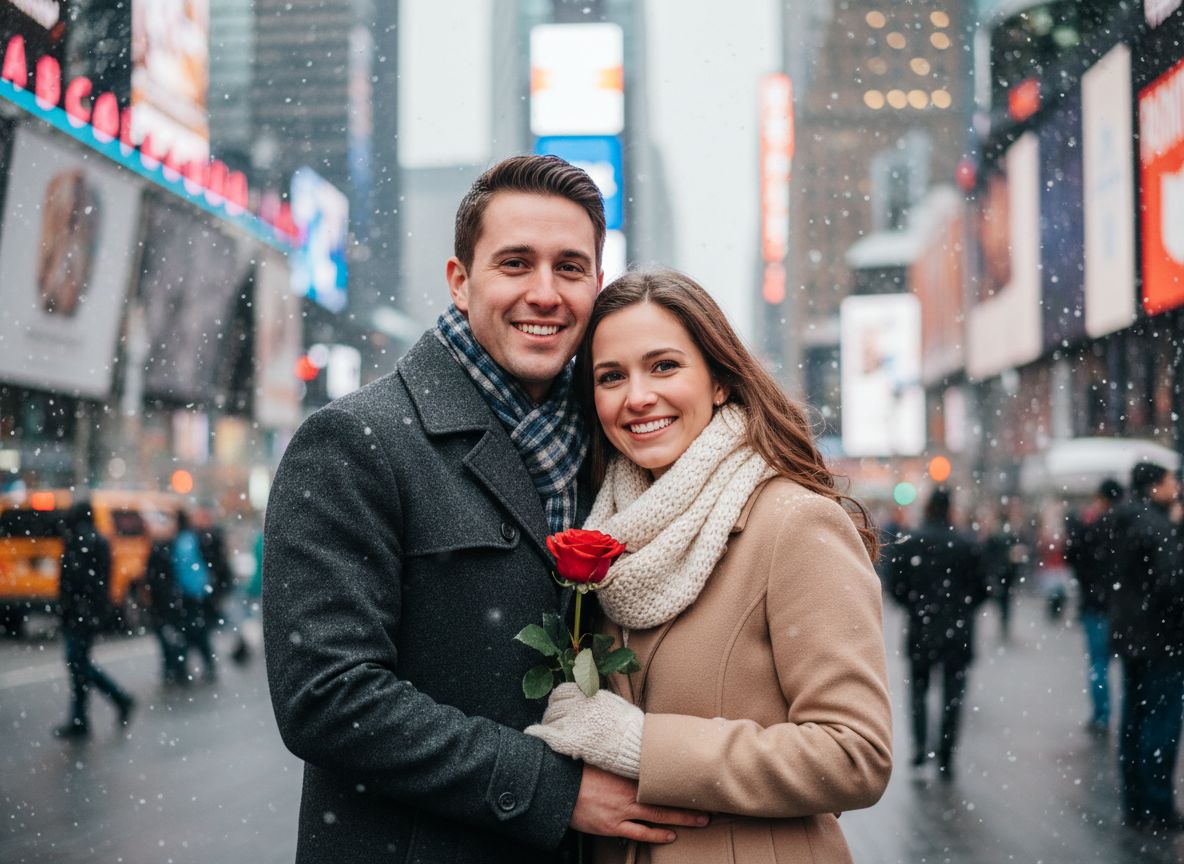

What can an AI photo generator do?
An AI photo generator can reinterpret an existing photo rather than asking you to rebuild an image one adjustment at a time. In Imagera, you choose a visual direction, add a suitable photo and generate a new scene with its own lighting, atmosphere and styling.
That makes the tool useful for more than novelty effects. You can explore a polished profile-photo direction, try a cinematic setting, create a seasonal image or see how a completely different visual style changes the feeling of the original photo.
- Cinematic and lifestyle photo styles
- Professional-looking portrait concepts
- Creative filters built around a specific scene
- Collections for saving and revisiting results
Start with a ready-made direction when you want speed, or switch to text-to-image when you want full creative freedom.
How to create an AI photo on iPhone
Begin by choosing the result you want, not the technology behind it. A clear, front-facing photo with good lighting gives the app a better identity reference. Then select an AI filter, confirm the photo and generate your result.
If the first result is close but not quite right, try another source photo with a clearer face or more even light. Small improvements in the input often matter more than adding complicated instructions.
- Choose an AI photo style
- Add a clear photo
- Generate your image
- Save it or explore another look
AI photos without a desktop editing workflow
Traditional photo editing is powerful, but it can take time to learn masks, layers and detailed color controls. Imagera is designed for a different moment: when you have a photo or an idea and want to explore a finished direction quickly on your phone.
The app also includes a photo enhancer for improving light, clarity and color while keeping a more natural result. Use that tool when you want refinement instead of a complete transformation.