
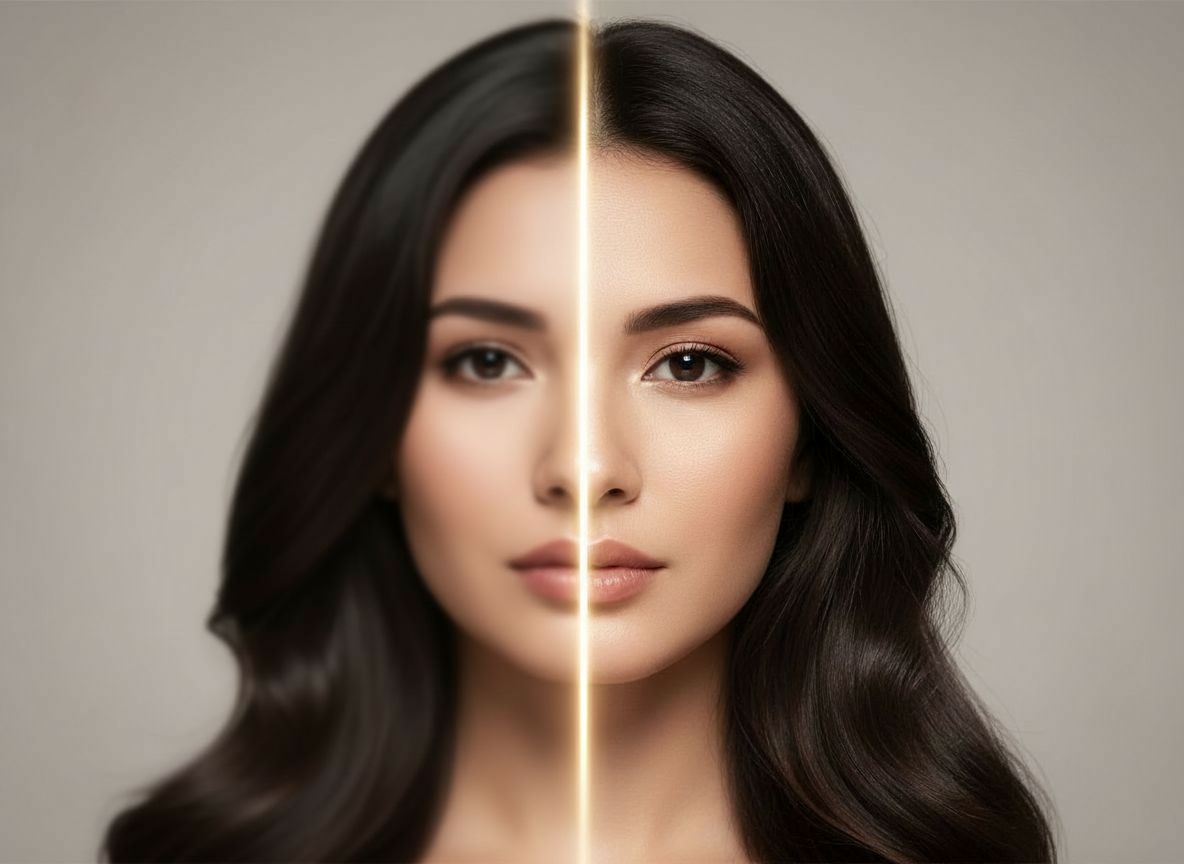
What can an AI photo enhancer improve?
An AI photo enhancer analyzes an existing picture and aims to improve its overall presentation. Imagera uses a focused enhancement flow for photos that need clearer detail, more balanced light or stronger color without asking you to adjust many separate controls.
The tool is useful for camera-roll images that feel soft, dull or lower in quality than you would like. Results depend on the source: enhancement can refine visible information, but it cannot recover every detail that was never captured.
- Improve perceived photo clarity
- Balance light and color
- Refresh soft camera-roll images
- Enhance portraits without a layered editing workflow
Use Photo Enhancer when you want a cleaner version of an existing image. Choose an AI photo style or portrait generator when you want a visibly new scene.
How to enhance a photo on iPhone
Choose Photo Enhancer in Imagera and select the image you want to improve. Use the highest-quality original available rather than a screenshot or repeatedly compressed copy. Generate the enhanced version, compare it with the source and save the result you prefer.
For portraits, check eyes, hair, skin texture and small accessories at full size. For older or low-resolution photos, a cleaner source scan can produce a stronger result than a picture taken through glass or in uneven light.
- Start with the original file when possible
- Avoid enlarging a screenshot before enhancement
- Compare the result at full size
- Keep the original photo as a reference
Photo enhancer or AI photo generator?
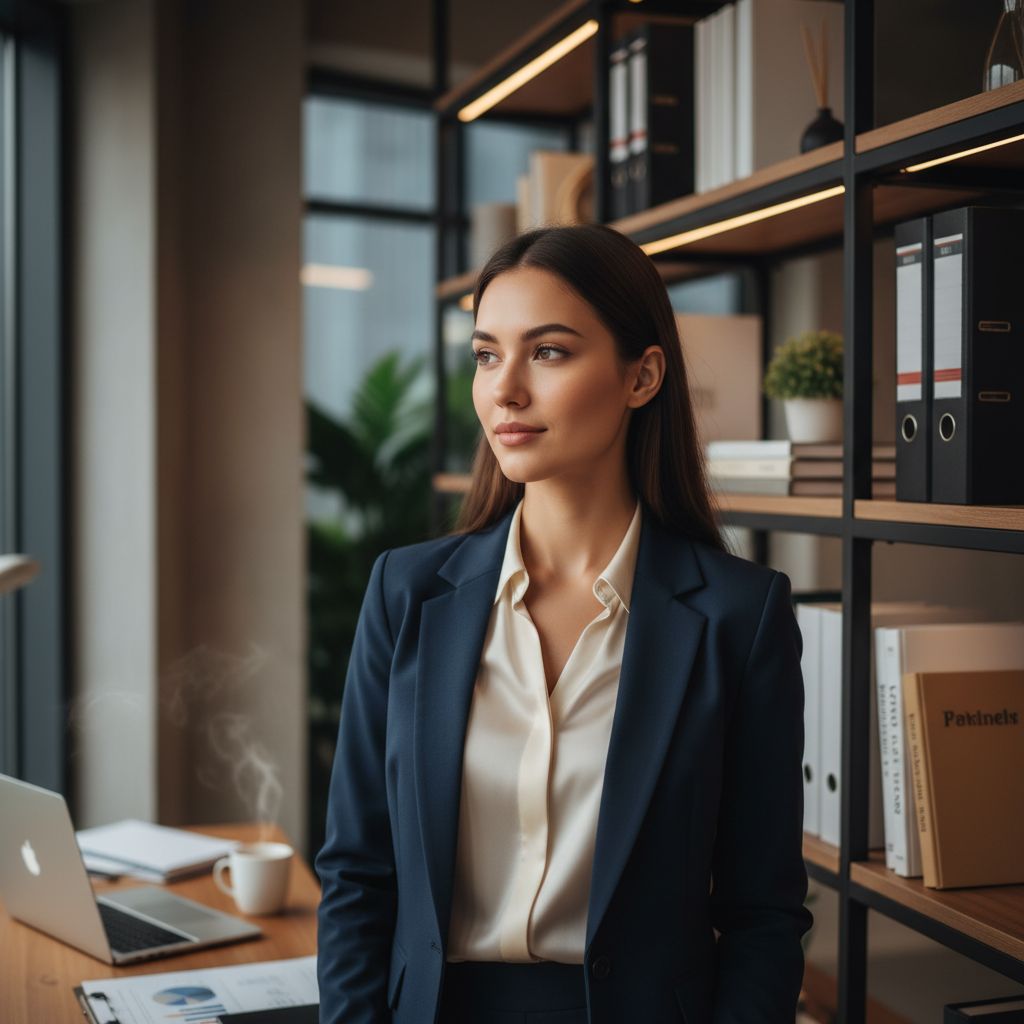
Choose the AI photo enhancer when you like the original composition and want it to look clearer or more polished. Choose the AI photo generator when you want to place yourself in a different setting, try a new visual style or create a professional headshot.
Both workflows live in the same iPhone app, so you can refine an existing memory and explore a completely new image without moving files between several editing tools.