
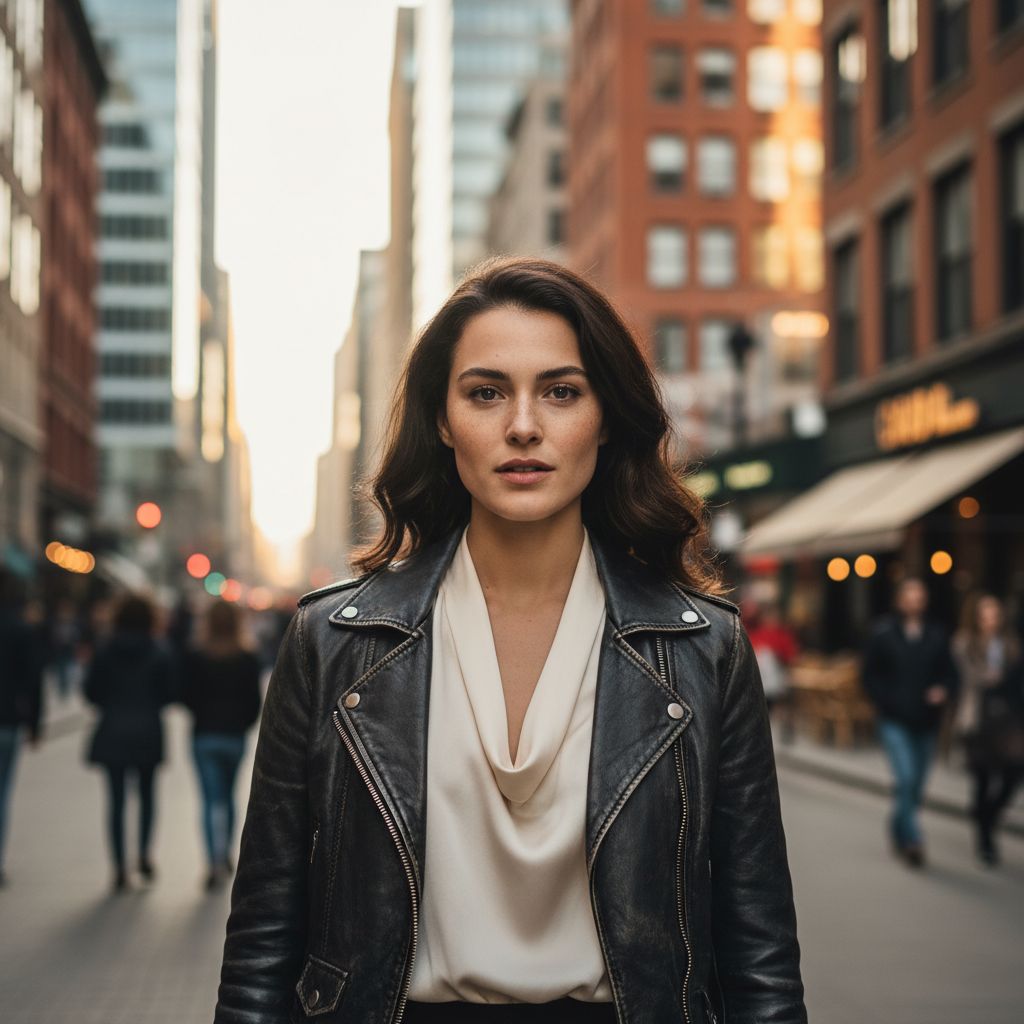
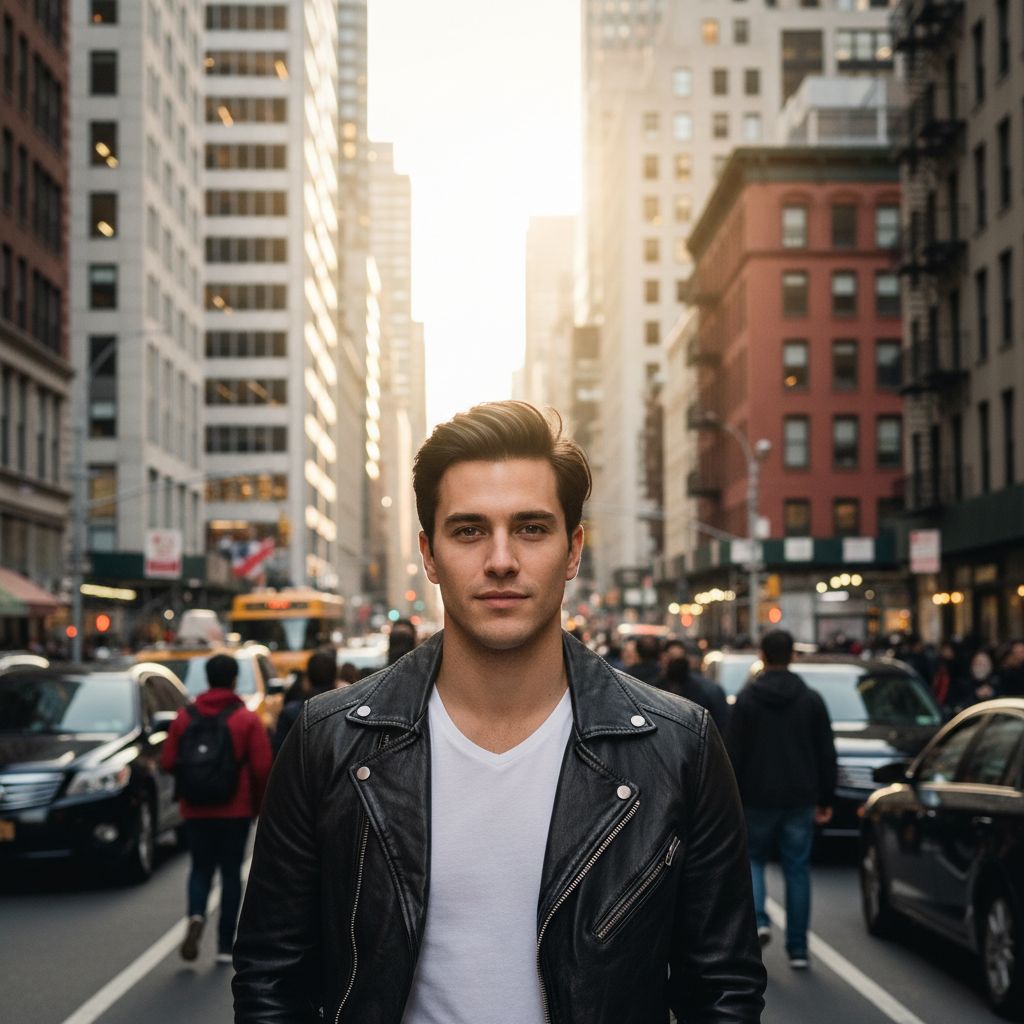
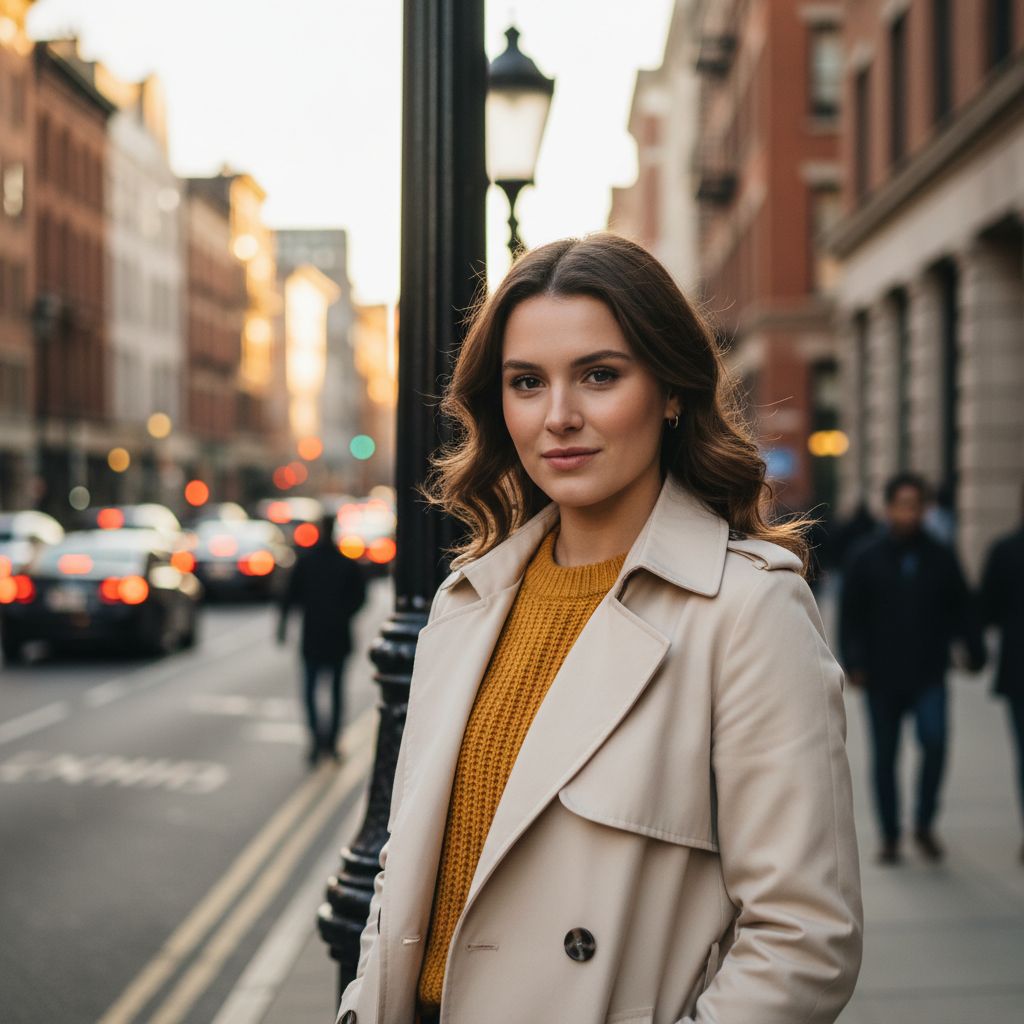
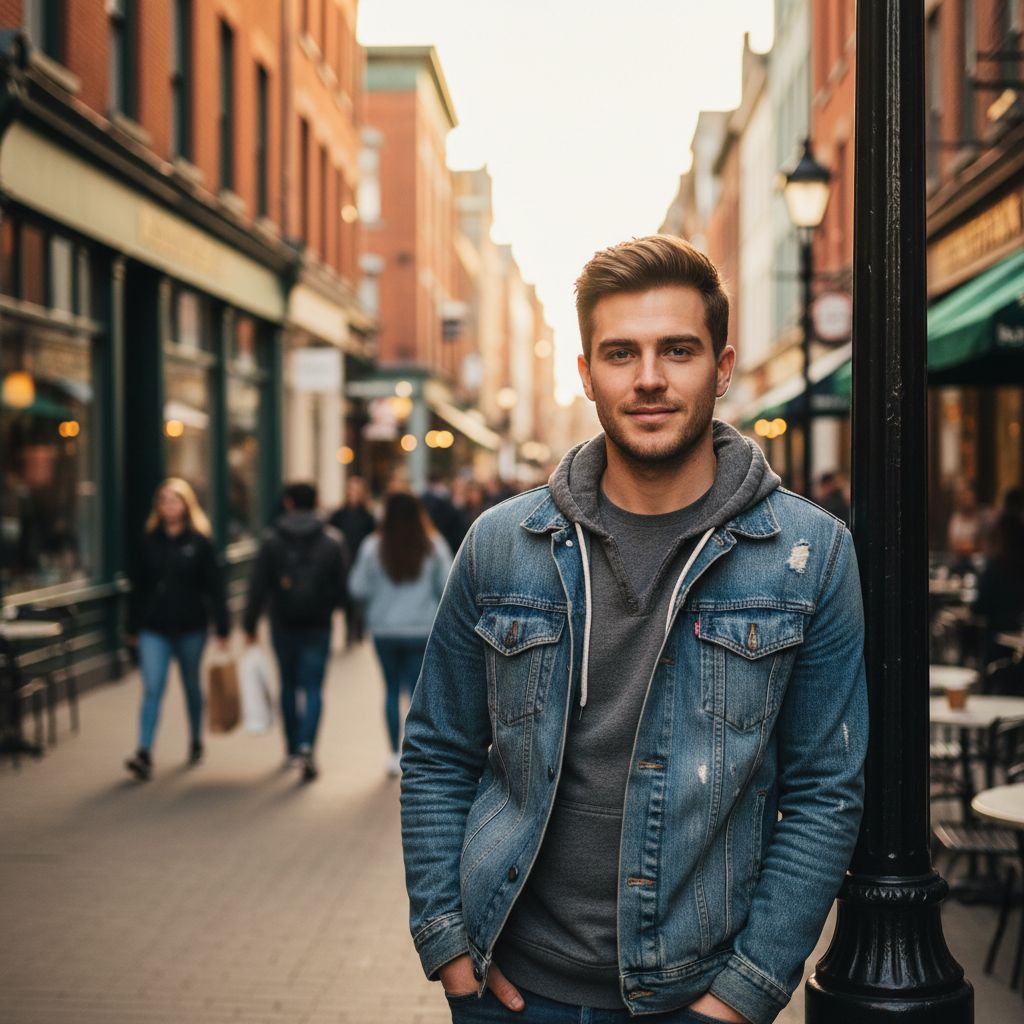
Create an urban portrait from one photo
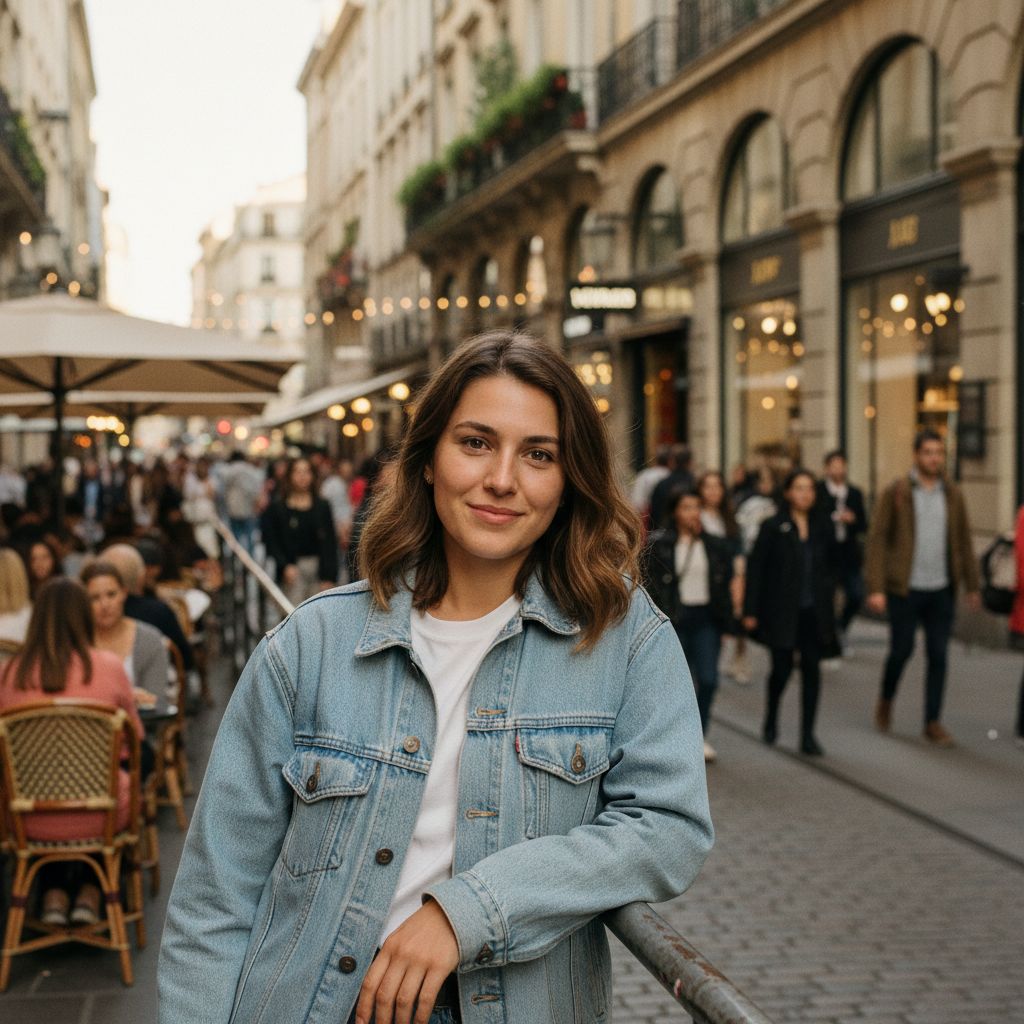
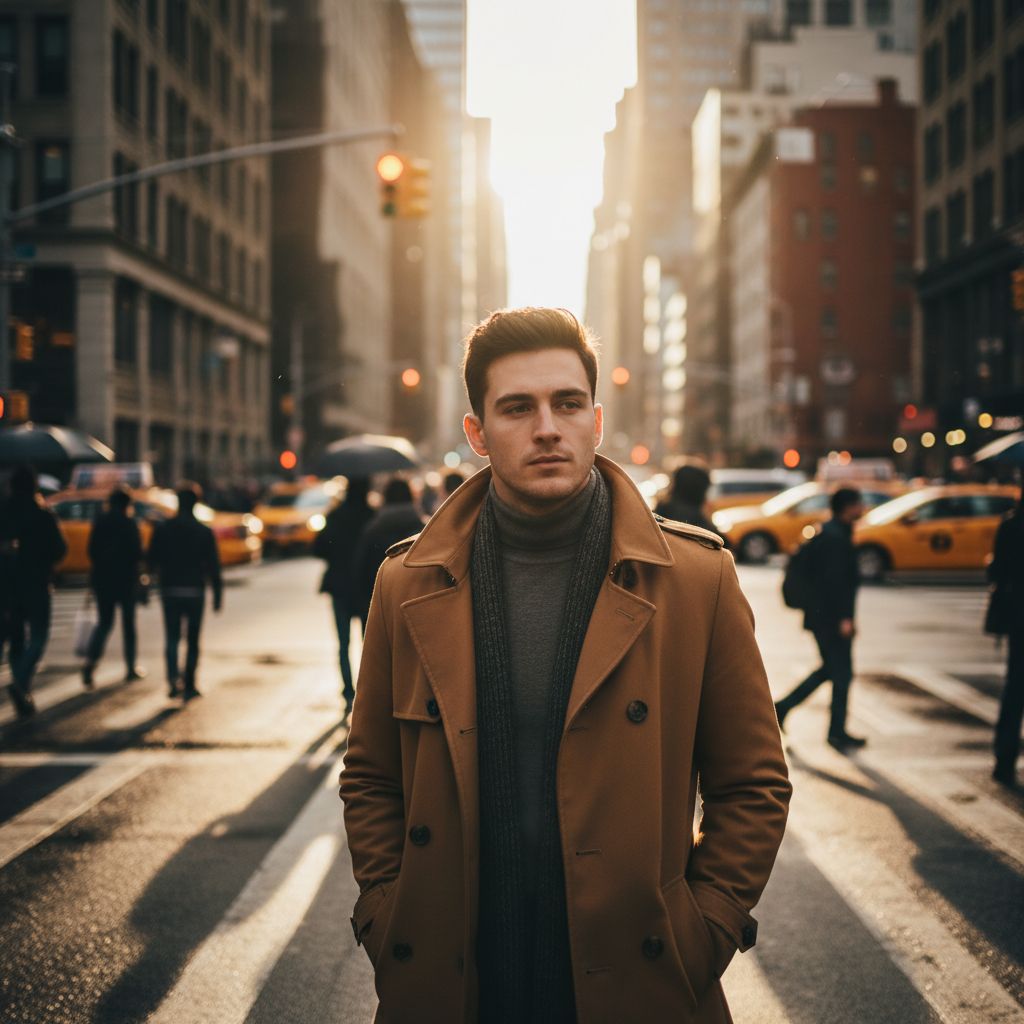
City Streets generates a new outdoor urban scene around your identity reference. Architecture, pavement, depth and wardrobe work together to create a portrait that feels like a planned city photo shoot.
Choose a category example that fits your taste, add a clear solo photo and generate on iPhone. The final scene is created by AI rather than cut out from the original background.
- Urban profile pictures
- Street-style portraits
- Travel-inspired photos
- Casual lifestyle images
City Streets is brighter and more natural than Street Night, with a casual lifestyle-photo feeling suited to modern profiles and posts.
Choosing a photo for a city portrait
A straightforward source image helps the generator preserve identity while changing the setting. Use even light, a visible face and enough resolution to see facial detail.
Do not worry about matching the source background or wardrobe to the city scene. The selected filter provides the creative direction.
- Use a sharp portrait
- Keep the face unobstructed
- Avoid group photos
- Review the generated background
Urban photos without arranging a street shoot
Use city portraits for personal profiles, creative collections and social posts when you want an energetic but realistic setting. They can suggest travel or street style without reproducing a real location visit.
Be transparent about AI-generated locations where context could otherwise mislead viewers.