
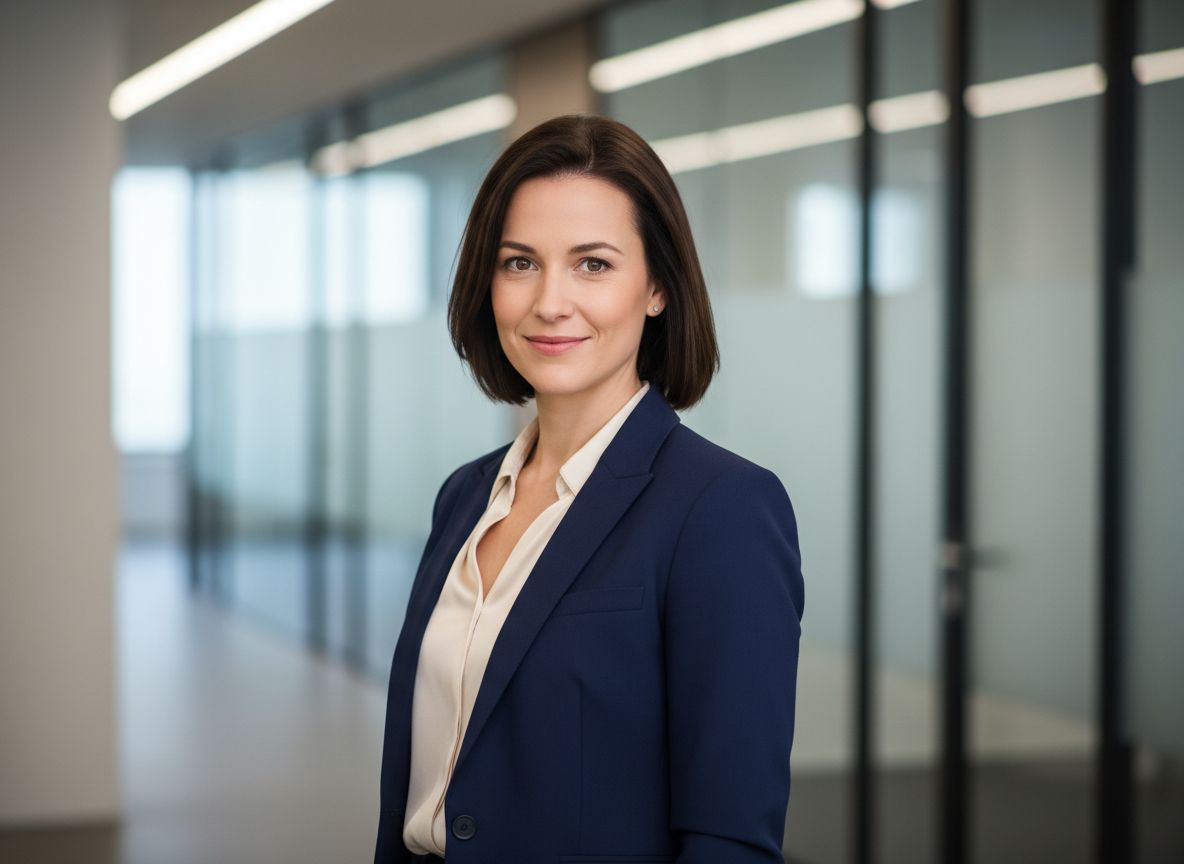

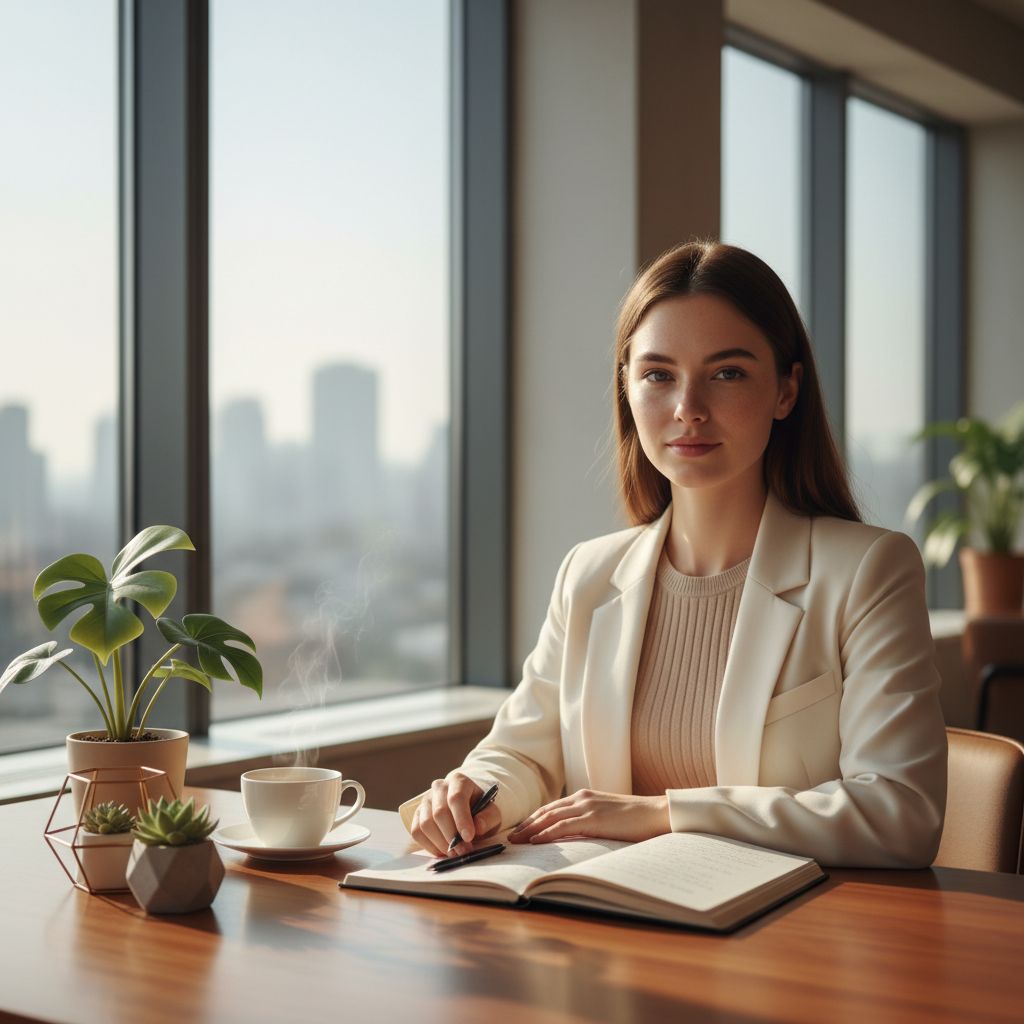
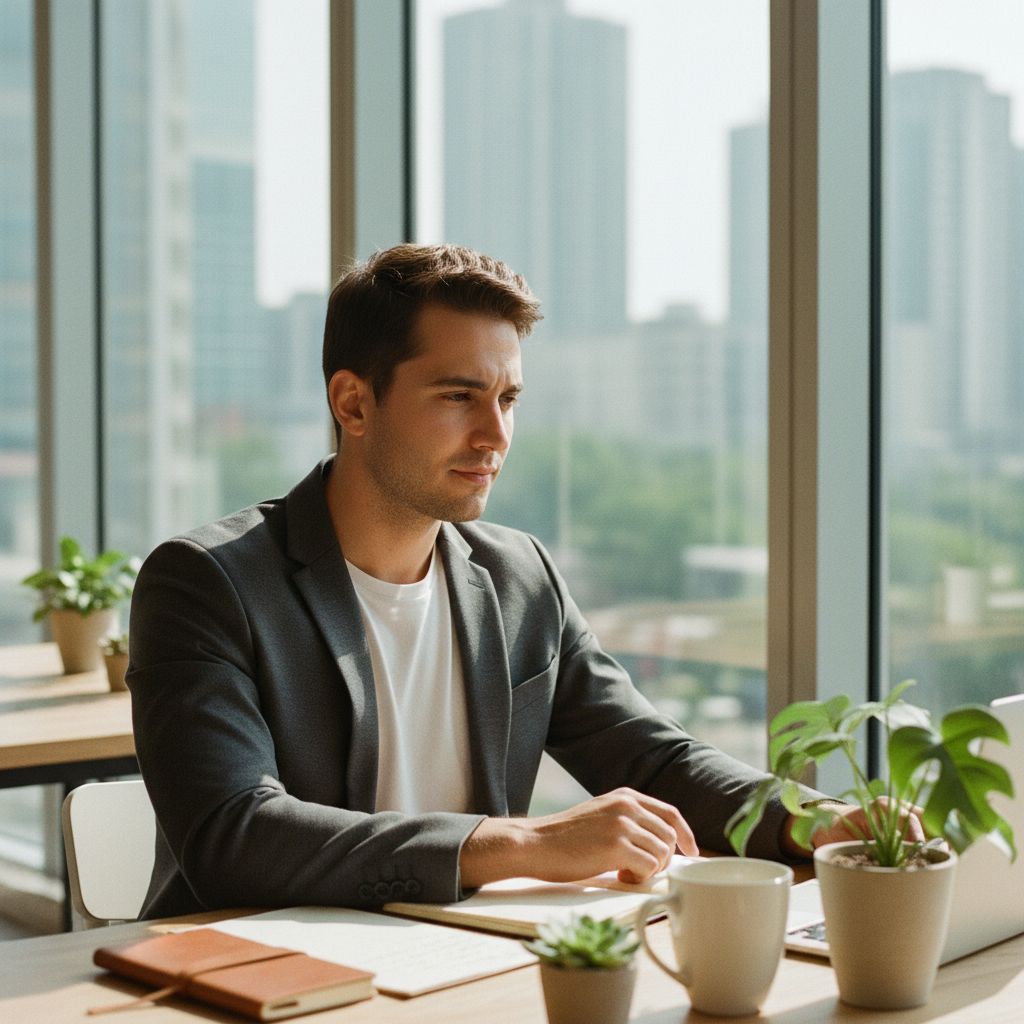
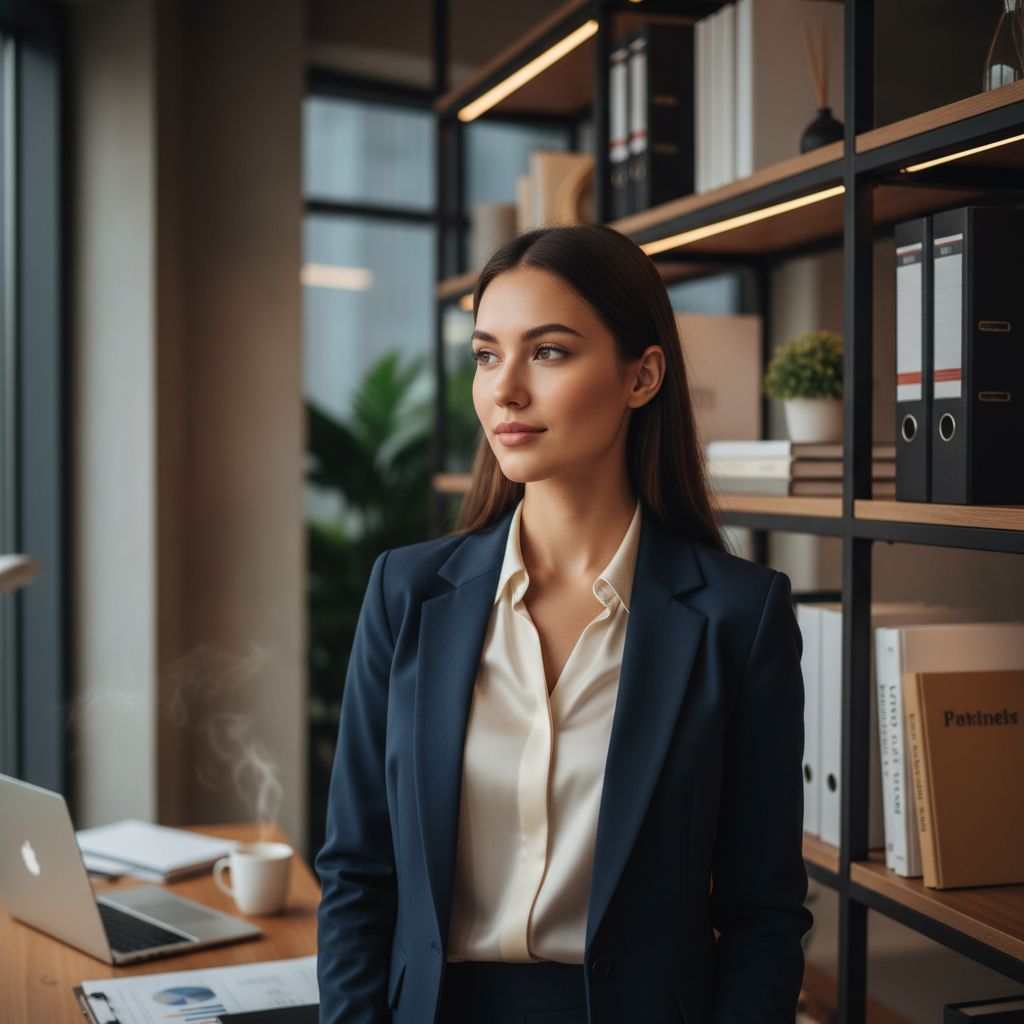
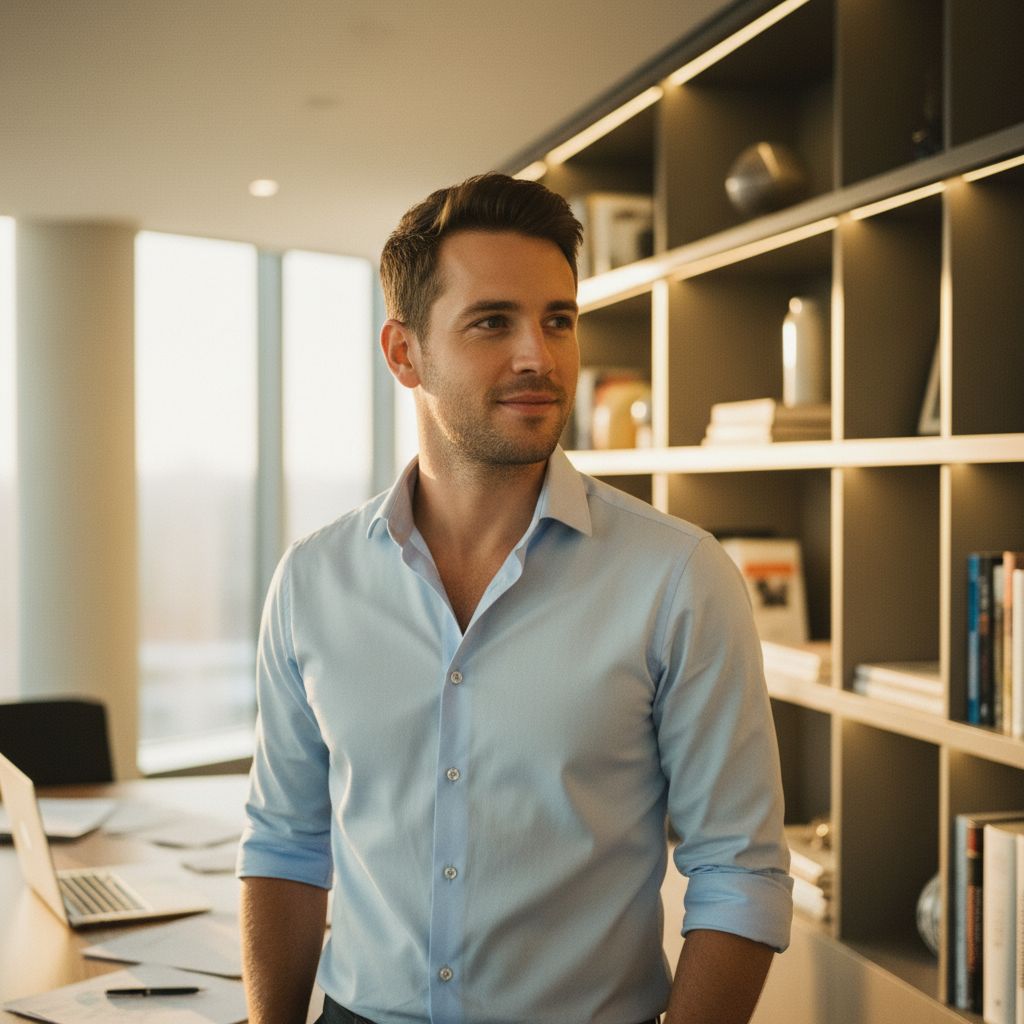
A LinkedIn profile photo generator for office-ready portraits
A business profile picture needs to stay clear at small sizes and communicate the right level of professionalism. Office Hours places the subject in a modern workplace direction with clean light and confident framing.
Use it when your current selfie feels too casual but arranging a new corporate headshot session is not practical. Generate several options and choose the one that best matches your role and industry.
- LinkedIn profile photos
- Résumé and portfolio headshots
- Team directory portraits
- Professional social profiles
Office Hours uses business wardrobe, approachable expressions and modern workplace settings rather than a cinematic or fantasy direction.
How to create a professional profile picture
Start with a sharp solo photo in even light. Avoid extreme angles, sunglasses, hands over the face and heavy beauty filters that can weaken the identity reference.
After generation, check facial details, clothing edges and background lines. Crop with enough space around the head so platforms can display the image in square and circular frames.
- Choose a recent selfie
- Use neutral, even light
- Keep the face centered
- Test the image as a small thumbnail
Business profile photos for LinkedIn and work
Use a generated profile image where AI-created photos are appropriate and permitted. Some employers, directories and formal applications may require an unedited or documentary photograph.
For a more relaxed entrepreneurial style, explore Startup Founder. For broader professional and creative options, use the AI Headshot Generator guide.